Download AppImage
Your download is starting...
Keep this page open while your installer downloads. If nothing happens in a few seconds, return to the download page and try again.
If download is not starting, click here to download.
How to install safely
This is an unofficial app build, so warning dialogs can appear on first run. These prompts are expected. Use the steps below for your operating system.
Linux installation
Installer type: AppImage or .deb
Linux may require trust and execute permission
Some desktop environments show an untrusted file prompt. That is normal for fresh downloads.
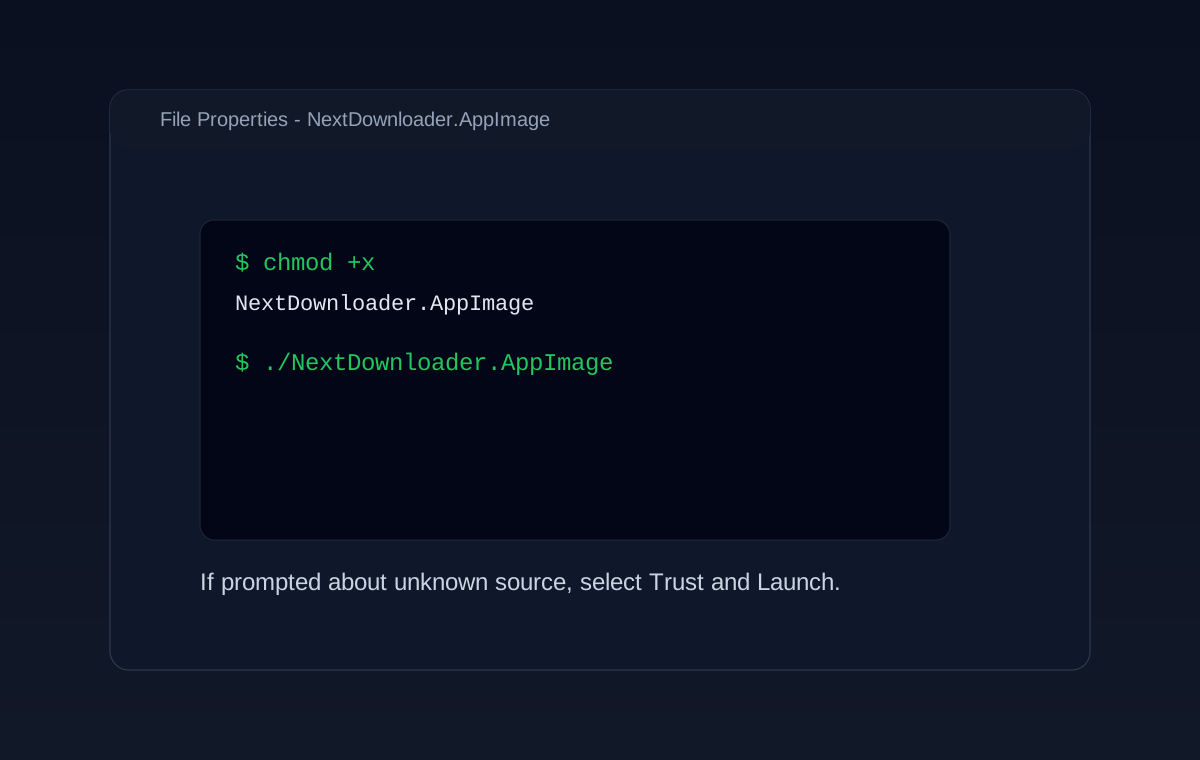
- 1For AppImage: right-click the file, open Properties, and enable Execute as Program.
- 2Then double-click the AppImage, or run chmod +x filename.AppImage in terminal.
- 3For .deb: open with your package manager and install normally.
- 4If asked about unknown source, approve and continue installation.
Example warning screenshot
What users typically see during first install.
Need help after install? Visit our documentation for troubleshooting and setup tips.